Web app
TTL
No-nonsense time tracking that gets out of your way
Overview
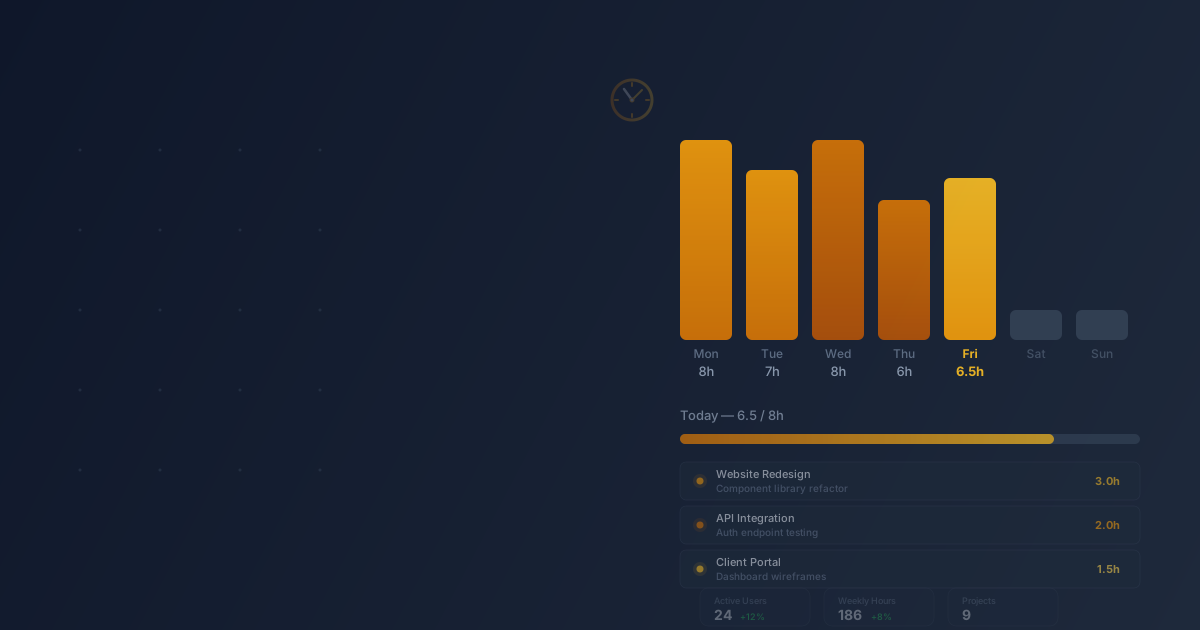
TTL is a time tracking application built for teams that hate time tracking. No desktop widgets, no browser extensions, no AI that guesses what you worked on. Open it, log your hours, close it. The entire interaction takes seconds — because if a time tracker is annoying, people stop using it, and the data becomes worthless.
Under the hood, it's a full-stack SSR app powered by HTMX. Every interaction — logging time, editing entries, navigating weeks — happens without a single page reload and without shipping a JavaScript framework to the browser. The result is an interface that feels instant on any connection.
Who it's for
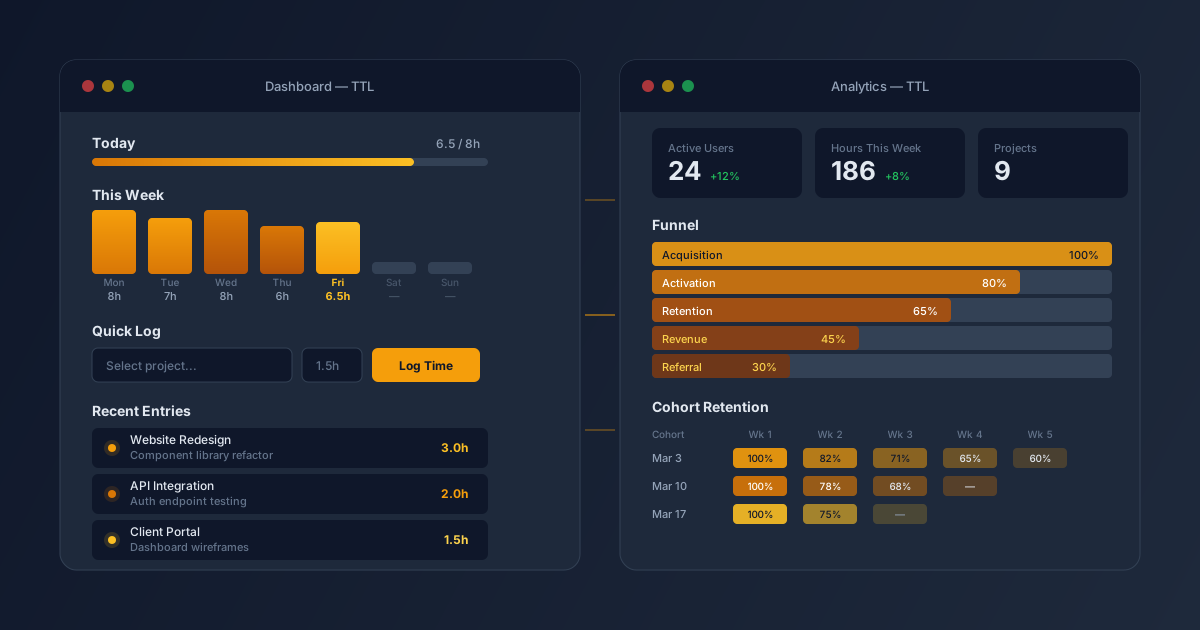
Small teams that bill by the hour. Agencies, consultancies, freelancers working with contractors. You need accurate time data for invoicing and project budgets, but you don't need a project management suite with Gantt charts and resource leveling. TTL gives you time entries, project totals, and weekly summaries — the things you actually look at.
Team leads who need visibility. See who logged what, spot projects running over budget, and catch gaps before they become problems. The admin dashboard surfaces the numbers that matter without drowning you in charts.
The challenge
Time tracking tools fall into two traps. Simple ones are just spreadsheets with a login screen — they work, but they offer no insight. Complex ones bolt on project management, resource planning, invoicing, and reporting until the time entry form is buried three clicks deep. Both fail at the core job: making it trivially easy to record what you worked on today.
The solution
TTL is server-rendered HTML enhanced with HTMX. Every click swaps a fragment of the page — the server does the work, the browser shows the result. No client-side state management, no hydration, no bundle optimization. The entire frontend is zero JavaScript beyond the 14 KB HTMX library.
The dashboard is a hub: today's hours against an 8-hour target, a week-at-a-glance strip, quick-log form, and recent entries. One screen, no navigation required for the daily workflow. Inline editing means you fix a typo in a time entry without leaving the page.
AI-native via MCP
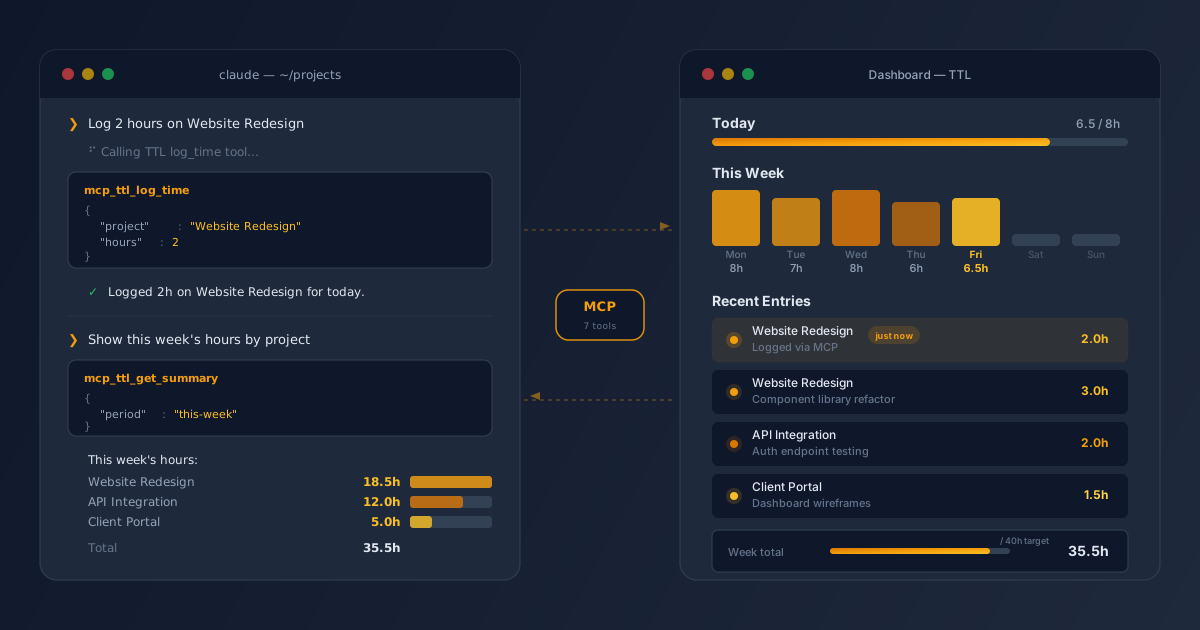
TTL ships a Model Context Protocol server that exposes the entire time tracking API as 7 structured tools — list projects, query entries, log time, pull summaries, and more. Any MCP-compatible AI assistant (Claude Code, Claude Desktop, custom agents) can read and write time data directly, no UI required.
This means a developer can say "log 2 hours on Project X for today" from their editor and it just works. A team lead can ask "show me this week's hours by project" and get a structured answer pulled straight from the database. The MCP layer turns TTL from a web app into a programmable time tracking backend that AI tools can operate autonomously.
Results
- Zero client-side JavaScript — HTMX handles all interactions, the app works on any device and connection
- Sub-second interactions — inline editing, quick-log, and week navigation without page reloads
- MCP integration — 7 tools expose the full API to AI assistants for hands-free time logging and reporting
- Type-safe from database to browser — Prisma types flow through controllers into fluent-html views
- Timezone-correct — UTC date handling prevents the off-by-one bugs that plague time tracking apps
- Accessible — focus-visible states, keyboard navigation, mobile touch targets
Related projects

JT Vault
Financial management and business operations platform for digital agencies
Tela
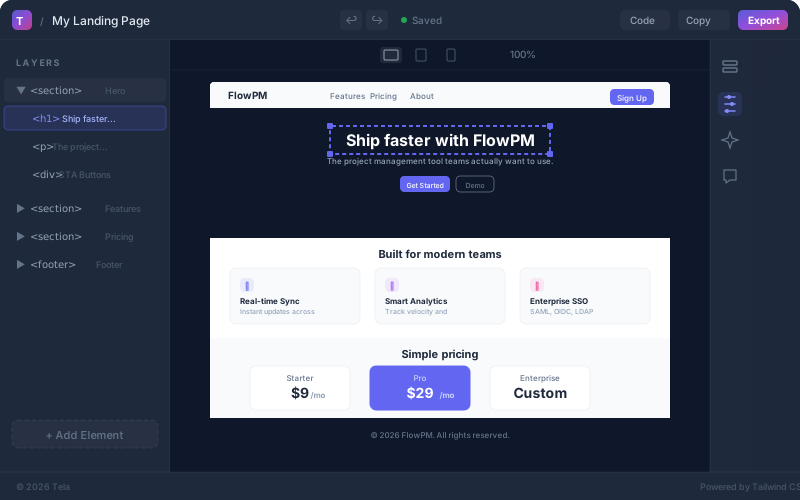
AI design system that turns natural language into production-ready HTML

JT i18n
Self-hosted translation management system for multi-format, multi-locale apps
Want something like this?
Tell us what you need and we build a working prototype first, so you see it before you pay for it.