Web app
JT Cut
Turn your photos into polished videos — no editing skills required
Overview
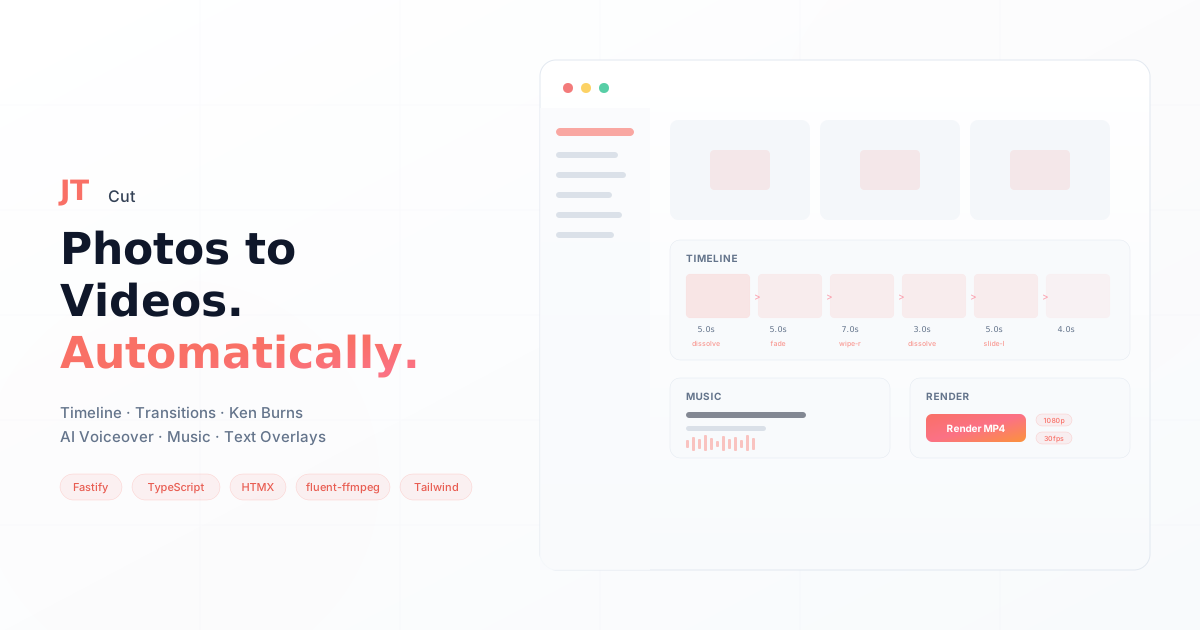
JT Cut is a web-based video creation tool that turns a set of photos into a finished, narrated video in minutes. Upload images, arrange them on a visual timeline, pick transitions and Ken Burns effects, add background music from a curated library, generate AI voiceover from text, and hit render. The server builds an ffmpeg filter graph using fluent-ffmpeg — our own DSL for programmatic video composition — and delivers a downloadable MP4.
No timeline scrubbing, no keyframes, no export dialogs. The entire workflow lives in the browser.
Who it's for
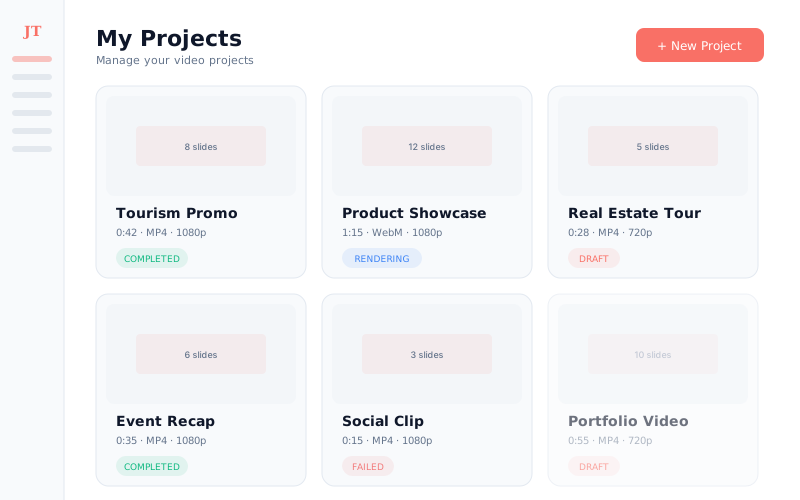
- Small businesses that need product videos, listing tours, or social clips on a recurring basis without hiring a videographer
- Marketing teams that produce templated video content (tourism promos, event recaps, portfolio showcases) and need to move fast
- Non-technical creators who have the photos and the story but not the patience for CapCut or Premiere Pro
The challenge
Creating even a simple slideshow video manually takes 20-60 minutes in consumer editors — per video. Professional production runs $100-500. For anyone who needs videos at scale (real estate listings, e-commerce products, tourism campaigns), neither option works. The bottleneck isn't creativity — it's the tooling.
The solution
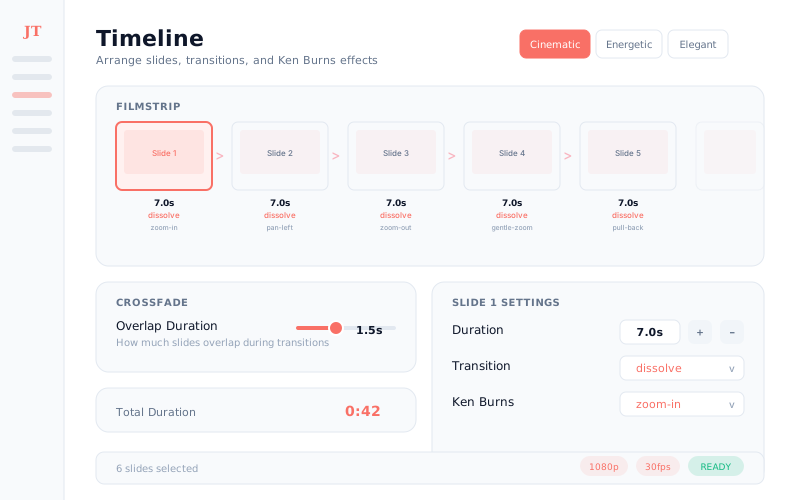
JT Cut abstracts ffmpeg's complexity behind an intuitive UI. Users configure everything through the browser; the server builds and executes the filter graph. Five built-in presets (Cinematic, Energetic, Elegant, Dynamic, Minimal) apply consistent transitions, Ken Burns effects, and pacing across all slides with one click. AI voiceover via TTS removes the need for recording. Background music with fade controls and ambient audio layers (rain, ocean, cafe) add production polish without a sound engineer.
The rendering engine is fluent-ffmpeg — our own TypeScript library for programmatic ffmpeg filter graph composition — already proven on 250+ automated videos/year for a national awards platform. BullMQ handles async rendering so users don't wait on a spinner.
Features
- Visual Timeline — Filmstrip editor with per-slide duration, transition effects (fade, dissolve, wipes, slides, pixelize), and Ken Burns camera motion
- One-Click Presets — Cinematic, Energetic, Elegant, Dynamic, and Minimal presets that configure transitions, timing, and motion across all slides
- Music Library — Curated tracks with start offset, fade-in/out, and volume controls; custom music uploads on paid tiers
- AI Voiceover — Text-to-speech via TTS with multiple voices and effects (natural, radio, telephone, deep, echo)
- Text Overlays — Titles, captions, and watermarks with slide-anchored or global scoping and custom positioning
- Ambient Audio — Rain, ocean, cafe, wind, and drone layers with independent volume mixing
- Multi-Format Render — MP4, WebM, MOV (ProRes), and MP3 audio export at up to 1080p/60fps
Pricing
| Free | Creator | Pro | |
|---|---|---|---|
| Price | $0/forever | $22/month | $26/month |
| Videos | 5/month | 15/month | Unlimited |
| Resolution | 720p | 1080p | 1080p |
| Storage | 3 GB | 10 GB | Unlimited |
| Duration | — | Up to 2 min | Unlimited |
| Watermark | Yes | No | No |
| AI Voiceover | — | — | Yes |
| Text Overlays | — | — | Yes |
| Video Clips | — | — | Yes |
| Premium Music | — | Yes | Yes |
| Custom Uploads | — | Yes | Yes |
| Ambient Audio | — | — | Yes |
Technical highlights
- fluent-ffmpeg DSL — Video composition expressed as TypeScript function calls, not shell commands. Type-safe filter graphs with composition presets for Ken Burns, crossfades, and audio mixing
- Zero-JS architecture — Full interactivity via HTMX morphing swaps, no client-side framework
- Type-safe HTML — fluent-html generates HTML with compile-time validation and fluent Tailwind methods
- Async render pipeline — BullMQ worker queue with status polling, so rendering never blocks the UI
- Tier-aware validation — Pre-render checks enforce duration limits, slide counts, audio requirements, and format restrictions per subscription tier
- S3 media pipeline — Upload, storage, and presigned download URLs via Hetzner S3
Related projects

JT Vault
Financial management and business operations platform for digital agencies
Tela
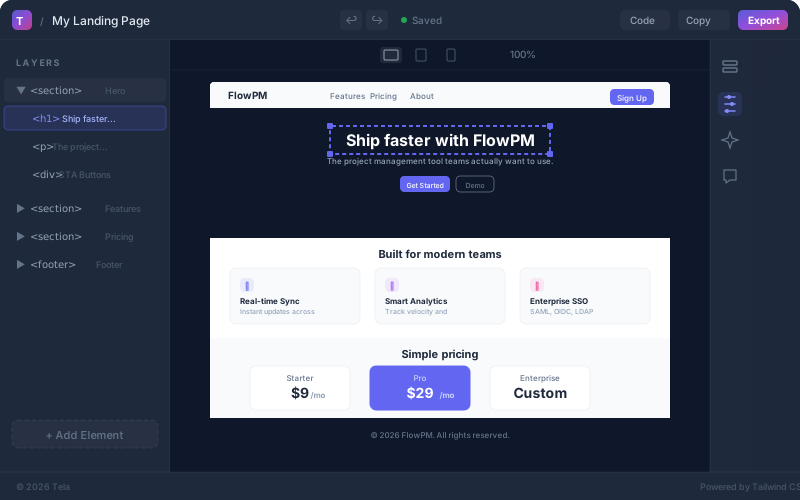
AI design system that turns natural language into production-ready HTML

JT i18n
Self-hosted translation management system for multi-format, multi-locale apps
Want something like this?
Tell us what you need and we build a working prototype first, so you see it before you pay for it.